Articles
CustomTag CFScript "Nuance"
Use thisTag.executionMode to ensure logic only runs once
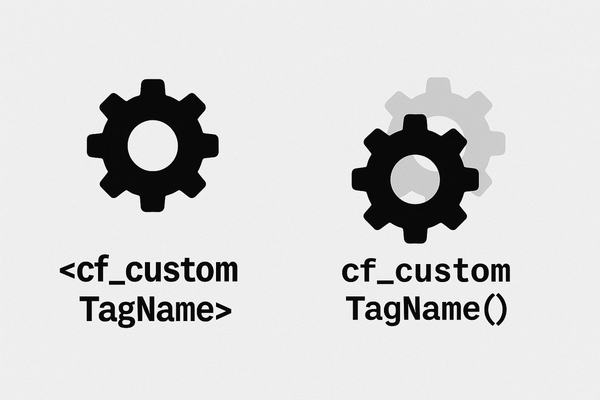
I still have some CustomTags that we've used in production for years and, now that I'm writing more cfscript, I thought I'd continue using some of them (for now) using the following syntax that I learned about on StackOverflow:
<cf_customTagName param1=param1Value>
CFScript approach:
cf_customTagName(param1=param1Value);
I immediately discovered that the cfscript method was executing the tag twice. In order to execute the tag-based version twice using CFML tag-based syntax, you need to explicitly use a starting and closing tag and then check for thisTag.executionMode with a value of either start or end.
<!--- this runs the tag twice w/different executionModes --->
</cf_customTagName>
The "nuance" (that CFM-based custom tags are always executed twice twice via cfscript) isn't documented on the only Adobe documentation that discusses this: "Script support for custom tags". (NOTE: I'm not sure if this behavior is the same in Lucee CFML.)
The solution for this is check whether the CFM file is being executed as a CustomTag (ie, if thisTag.executionMode exists and is start) and then exit.
<cfexit>
</cfif>
If you don't explicitly do it this way, you'll risk having the customtag's functions unknowingly performed twice which can cause data problems or negatively impact performance.
Here's the files I set up to reproduce and test this:
https://gist.github.com/JamoCA/2d48f9eb88ceb7f8bcb93fc3ab718ffa