Articles
ColdFusion CSV Processing Speed Test
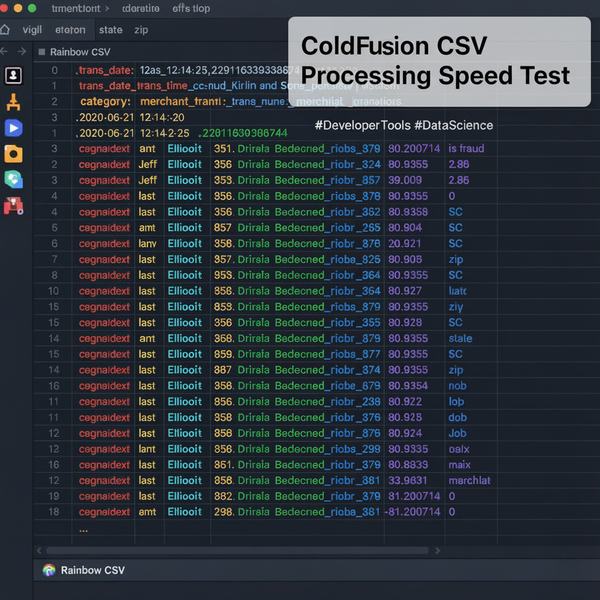
While in the process of developing "real world" unit tests to compare purist ColdFusion/CFML-only approaches against alternatives available using the command line (via CFExecute), I came across staggering performance issues that kinda surprised me.
The CSV File
I searched for a real-world 250mb+ CSV dataset from Kaggle called "Credit Card Transactions Fraud Detection Dataset". This is a "simulated credit card transaction dataset containing legitimate and fraud transactions from the duration 1st Jan 2019 - 31st Dec 2020 and it covers credit cards of 1000 customers doing transactions with a pool of 800 merchants.". (You can download this dataset for free, but an account is required.)
When choosing this dataset, I didn't know if it was fully "RFC 4180 compliant" or not. I don't believe that Excel exports compliant CSV and encountering imperfect CSV has been a common occurrence during my 30+ years working with third-party CSV files.
This CSV file lacked a column name in the header for the first column. The "merchant" column's values are also only quoted if it contains a comma. These aren't serious issues, right?
NOTE: My initial tests are performed using the least common denominator of the servers that I provide support for... which includes ColdFusion 2016 & 2018.
The Unit Test
If I had to write the CSV parsing logic in SQL, it would be:
SELECT state, COUNT(*), AVG(amt) FROM CSVFILE GROUP BY state
There's other things that could be done, but this seemed like a pretty straight-forward test, as I know every entry had a state and every state contained 2 letters.
Please note that performance may differ based on hardware and version of ColdFusion. I intend to test different versions of CFML platforms in the near future.
I'd like to be able to determine "memory requirements" in addition to just "duration" as I've encountered issues with ColdFusion in the past where reading large files could result in performance issues.
CFML DEVELOPER CHALLENGE: Write a ColdFusion/Java-only script to process the 150mb Kaggle CSV file to return aggregated results and share your approach and the performance result.
ColdFusion Processing
ColdFusion 2025 CSVRead
I haven't tested CSVRead yet, but will soon. (Is this a wrapper for OpenCSV? I seriously haven't checked it out yet as I try to support solutions that work cross-platform with CF2016+, Lucee and BoxLang.)
Spreadsheet CFML
Normally, I leverage the third-party Spreadsheet CFML library to read Excel (XLS/XLSX) or CSV files. I used the csvToQuery() method on the 150mb "fraudTest.csv" file, and it took 24-127 seconds to read the CSV file into a query object. Adding an in-memory Query-of-Queries (QoQ) in order to group, count and average the 555,720 rows took an additional 48-50 seconds. (Ouch! This doesn't seem right.)
I intend to perform further tests using other versions of ColdFusion and the most recent version of this library so that I can include the performance of the newer readCSV method (which requires ColdFusion 2021+).
Java BufferedReader?
This kinda worked. It took 7,481 ms, but the results were wrong and would require extra logic to properly deal with commas within quoted values. (I'd hate to have to consider and build in support for all edge cases in order to use this approach.)
OpenCSV 5.12
OpenCSV? The speed for this was 2,742 - 10,715 ms. Not too bad.
Alternate Methods
C# Processing (by my dotNET brother)
My dotNET brother wrote a 90 line C# script (using built-in StreamReader) to parse the 150mb file and additionally returned results by both merchant and state. The results were consistent with my CFML tests, and it only took 320-749 ms. This seems unreal. (I'm going to contact him back regarding this to ensure that it's correct and also test it on my machine.)
CFExecute and Command Line Executables
Not all executables are created equally. Some required a complex rule to be created, while others accepted standard SQL (SQLite syntax). Some were able to forgive the missing first column, while others required normalization prior to being able to process the CSV file.
The two (2) successful command line alternatives that I tested which worked took 725-4,831 ms. I really like that it took extremely minimal effort to write the logic and it "just worked" and "worked correctly" the first time. The generated 3 column result could be outputted in CSV or JSON format.#tooEasy
Using an executable can be added as a pre-processing step and be executed entirely outside ColdFusion. I'd prefer using ColdFusion to read a 50 line summarized CSV or JSON file rather than wait seconds (or minutes) for 555,720 lines to be processed.
I've created a test framework and API that will hopefully capture multiple metrics so that discrepancies and behavior differences between hardware and CFML platforms can be identified.
A follow-up articles with these executables will be available soon... along with 80+ executables, examples and tips that can be used with ColdFusion.